3. Step 1: Provision an AWS EC2 Instance
An EC2 instance is a virtual computer you rent from Amazon. It runs 24/7 so your bot is always available.
⚠️ Critical: Do Not Use t3.micro
A t3.micro instance has only 1GB RAM. OpenClaw WILL crash with a JavaScript heap out-of-memory error. Use t3.small (2GB RAM) minimum.
- Log in to AWS Console at aws.amazon.com
- Search for EC2 and open it
- Click Launch Instance
- Configure:
| Setting |
Value |
| Name |
openclaw-bot |
| AMI |
Ubuntu 24.04 LTS |
| Instance type |
t3.small (2GB RAM) |
| Key pair |
Create new → download .pem file |
| Storage |
8 GB gp3 |
🔑 Key Pair Warning
The .pem file is your ONLY way to access this server. If you lose it, you're locked out permanently. Save it somewhere safe.
- Click Launch Instance
4. Step 2: Configure Security Groups
Security groups control what traffic can reach your instance. You need two ports open:
| Port |
Protocol |
Source |
Purpose |
| 22 |
TCP |
Your IP /32 |
SSH access |
| 18789 |
TCP |
Your IP /32 |
OpenClaw Dashboard |
CIDR Notation
- Google "what is my IP" → get your IP (e.g., 98.45.123.67)
- Add /32 to the end:
98.45.123.67/32
- This means "only this one IP can connect"
5. Step 3: Connect via SSH
Get Your Public IP
- EC2 Dashboard → Instances → click your instance
- Copy the Public IPv4 address
Windows PowerShell:
ssh -i C:\Users\YourName\Downloads\your-key.pem ubuntu@YOUR_PUBLIC_IP
Mac/Linux:
ssh -i ~/Downloads/your-key.pem ubuntu@YOUR_PUBLIC_IP
⚠️ You Must Type "yes"
When prompted about the fingerprint, type yes (the full word) and press Enter. Just pressing Enter will fail.
Key Permission Error Fix:
Mac/Linux:
chmod 400 ~/Downloads/your-key.pem
Windows:
icacls "C:\Users\YourName\Downloads\your-key.pem" /inheritance:r /grant:r "%USERNAME%:R"
6. Step 4: Install Node.js and OpenClaw
Install Node.js 22
curl -fsSL https://deb.nodesource.com/setup_22.x | sudo -E bash -
sudo apt install -y nodejs
Configure npm
mkdir -p ~/.npm-global
npm config set prefix '~/.npm-global'
echo 'export PATH=~/.npm-global/bin:$PATH' >> ~/.bashrc
source ~/.bashrc
Install OpenClaw
npm install -g openclaw
7. Step 5: Create Telegram Bot
- Open Telegram
- Search for @BotFather
- Send:
/newbot
- Enter a display name
- Enter a username (must end in "bot")
- Copy the token BotFather gives you
🔑 Keep Token Secret
This token is the password to your bot. Never share it publicly.
8. Step 6: Run Onboarding Wizard
openclaw onboard
| Prompt |
What to Do |
| Bot Token |
Paste token from BotFather |
| Package manager |
Select npm |
| Skills |
Skip for now |
| API keys |
Enter Anthropic API key |
| Hatch |
Select "Hatch in TUI" |
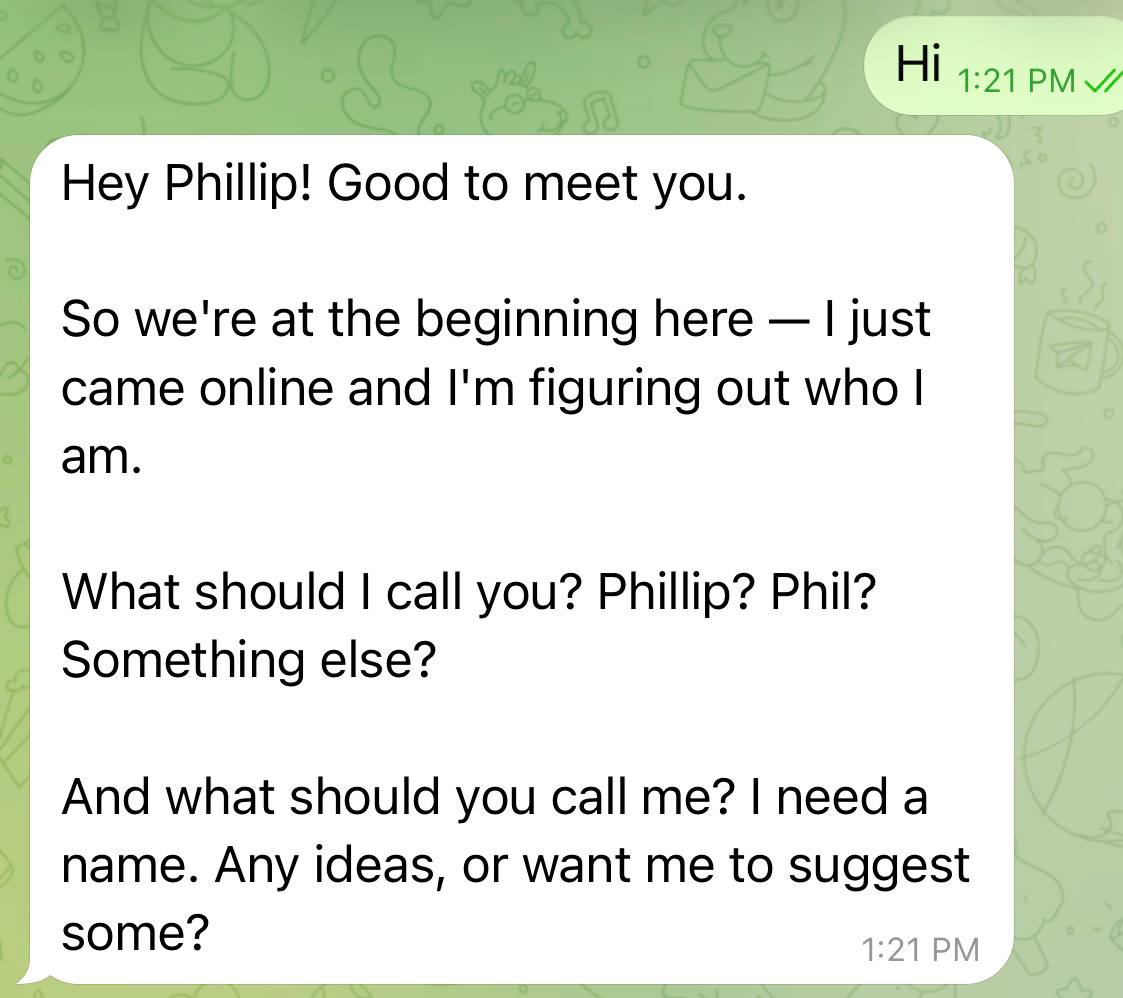
9. Step 7: Pair Telegram Account
- Open Telegram and find your bot
- Send any message
- Bot replies with a pairing code
- In SSH terminal:
openclaw pairing approve telegram YOUR_CODE
10. Step 8: Run as Persistent Service
Create Service File
sudo tee /etc/systemd/system/openclaw-gateway.service << 'EOF'
[Unit]
Description=OpenClaw Gateway
After=network.target

[Service]
Type=simple
User=ubuntu
WorkingDirectory=/home/ubuntu
ExecStart=/home/ubuntu/.npm-global/bin/openclaw gateway start --foreground
Restart=always
RestartSec=10
Environment=PATH=/home/ubuntu/.npm-global/bin:/usr/local/bin:/usr/bin:/bin

[Install]
WantedBy=multi-user.target
EOF
Enable and Start
sudo systemctl daemon-reload
sudo systemctl enable openclaw-gateway
sudo systemctl start openclaw-gateway
Useful Commands
| Command |
What It Does |
sudo systemctl status openclaw-gateway |
Check status |
sudo systemctl restart openclaw-gateway |
Restart |
sudo journalctl -u openclaw-gateway -f |
View live logs |
11. Troubleshooting Guide
11.1 JavaScript Heap Out of Memory
Symptom
FATAL ERROR: Reached heap limit Allocation failed - JavaScript heap out of memory
Cause
Your instance doesn't have enough RAM. t3.micro only has 1GB.
Fix A: Resize Instance (Recommended)
- Stop instance
- Actions → Change instance type → t3.small
- Start instance (note: IP will change)
- Retry onboarding
Fix B: Add Swap (Free Tier)
sudo fallocate -l 2G /swapfile
sudo chmod 600 /swapfile
sudo mkswap /swapfile
sudo swapon /swapfile
echo '/swapfile none swap sw 0 0' | sudo tee -a /etc/fstab
11.2 SSH Timeout After Resize
Cause
Stopping/starting changes your public IP.
Fix
- Get new IP from EC2 dashboard
- SSH with new IP
💡 Prevent with Elastic IP
Allocate an Elastic IP for a permanent address. Free while attached to a running instance.
11.3 Host Key Verification Failed
Cause
You pressed Enter instead of typing "yes".
Fix
Run SSH command again. Type yes (full word) when prompted.
11.4 Bot Not Responding
Causes & Fixes
- Gateway not started: Finish onboarding wizard first
- Crashed: Run
openclaw gateway status
- Wrong bot: Message your bot, not @BotFather
- Token mismatch: Verify token in config
12. Cost Summary
| Component |
Cost |
| AWS EC2 t3.small |
~$15/month |
| OpenClaw |
Free |
| Telegram |
Free |
| AI API (Sonnet 4.5, casual) |
~$10–30/month |
| Total |
~$25–45/month |